Best Things to Do While Charging Your Tesla
November 1, 2026 · 8 min read
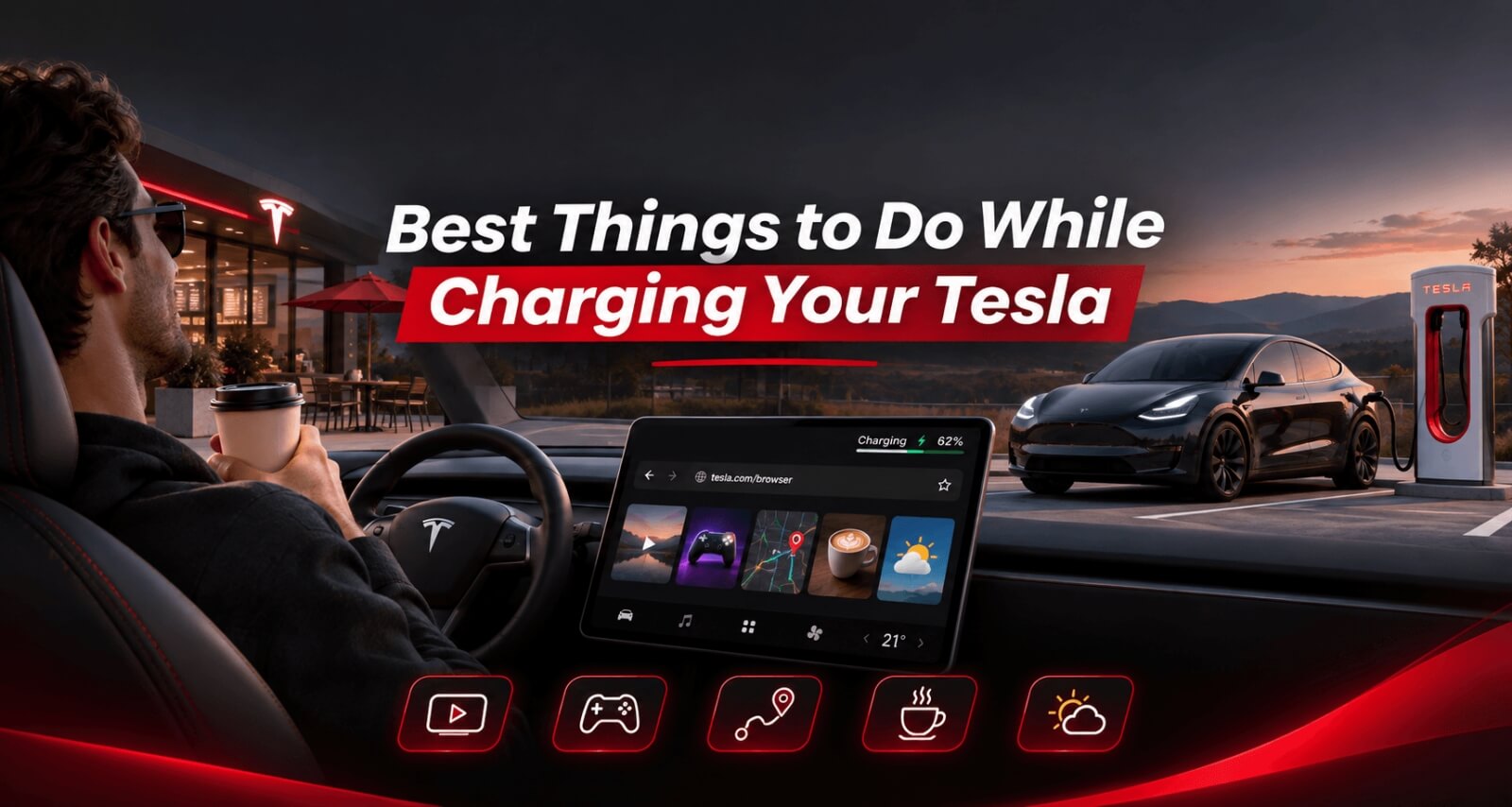
You've plugged in your Tesla, charging has started, and now you've got some time to spare.
Maybe it's a quick stop on your way home. Maybe you're halfway through a longer road trip and need a proper break.
Either way, you don't have to spend the whole time staring at the battery percentage.
One of the nice things about owning a Tesla is that charging stops can actually be enjoyable. You've got a comfortable seat, a large touchscreen, internet access when connected, and plenty of things to do both inside and outside the car.
Here are some of the best ways to spend that time.
1. Watch YouTube on Your Tesla's Screen
This is probably one of the easiest ways to make a charging stop go by faster.
Instead of watching videos on your phone, you can use the large touchscreen inside your Tesla.
Tesla already has a built-in YouTube experience, but you can also use a browser-based player such as EVStream.
Simply open your Tesla browser and visit evstream.app/youtube.
EVStream includes video search, channels, playlists, watch history, Continue Watching and other features that make browsing YouTube easier from the car.
There's no application to install.
If you've got 15 or 20 minutes to spare, find a video you've been meaning to watch and enjoy it while the car charges.
We've also written a separate guide explaining how to watch YouTube in your Tesla browser.
2. Catch Up on a Movie or TV Series
Sometimes a short YouTube video isn't what you're in the mood for.
Maybe you've been watching a series and want to finish an episode. Or maybe you're travelling with family and everyone wants to relax for a little while.
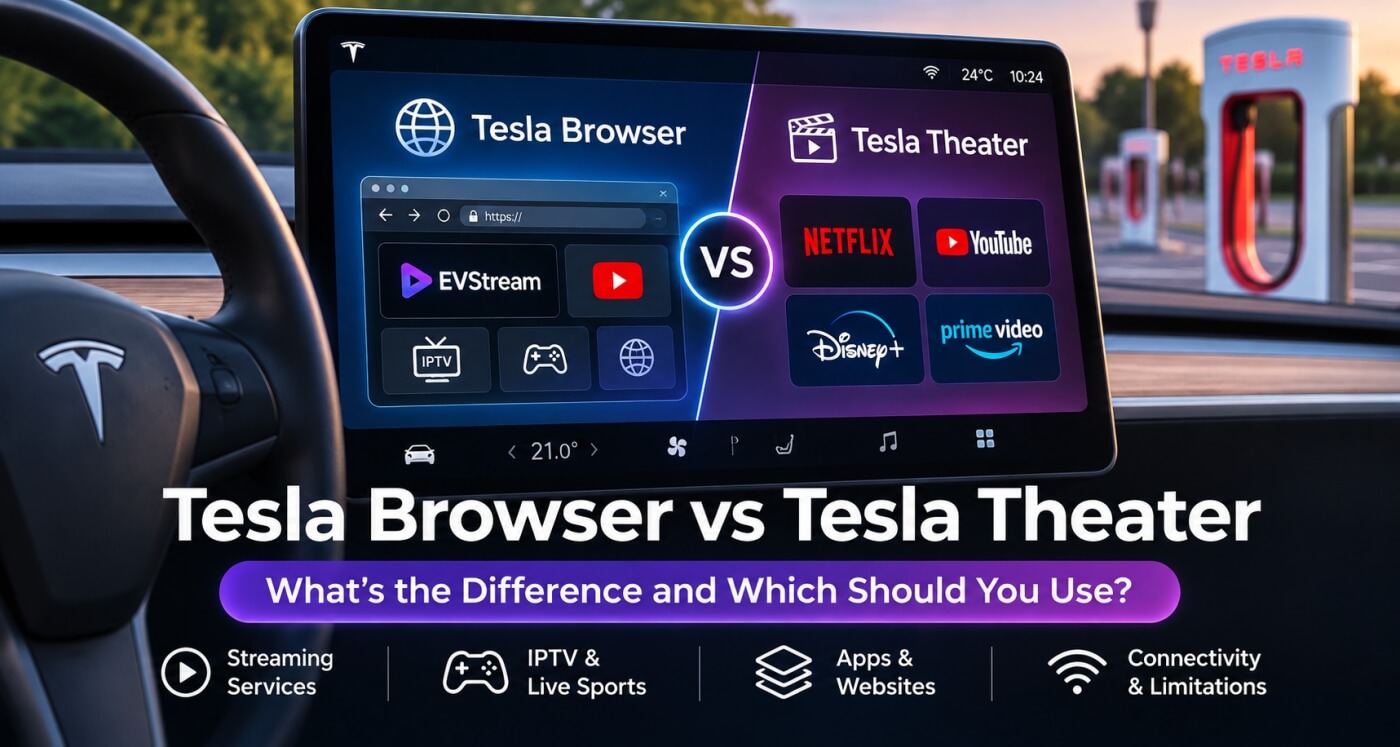
Tesla Theater offers access to supported streaming services while the vehicle is parked, with availability depending on your vehicle, region and subscriptions.
If you already have an IPTV provider, EVStream is another option.
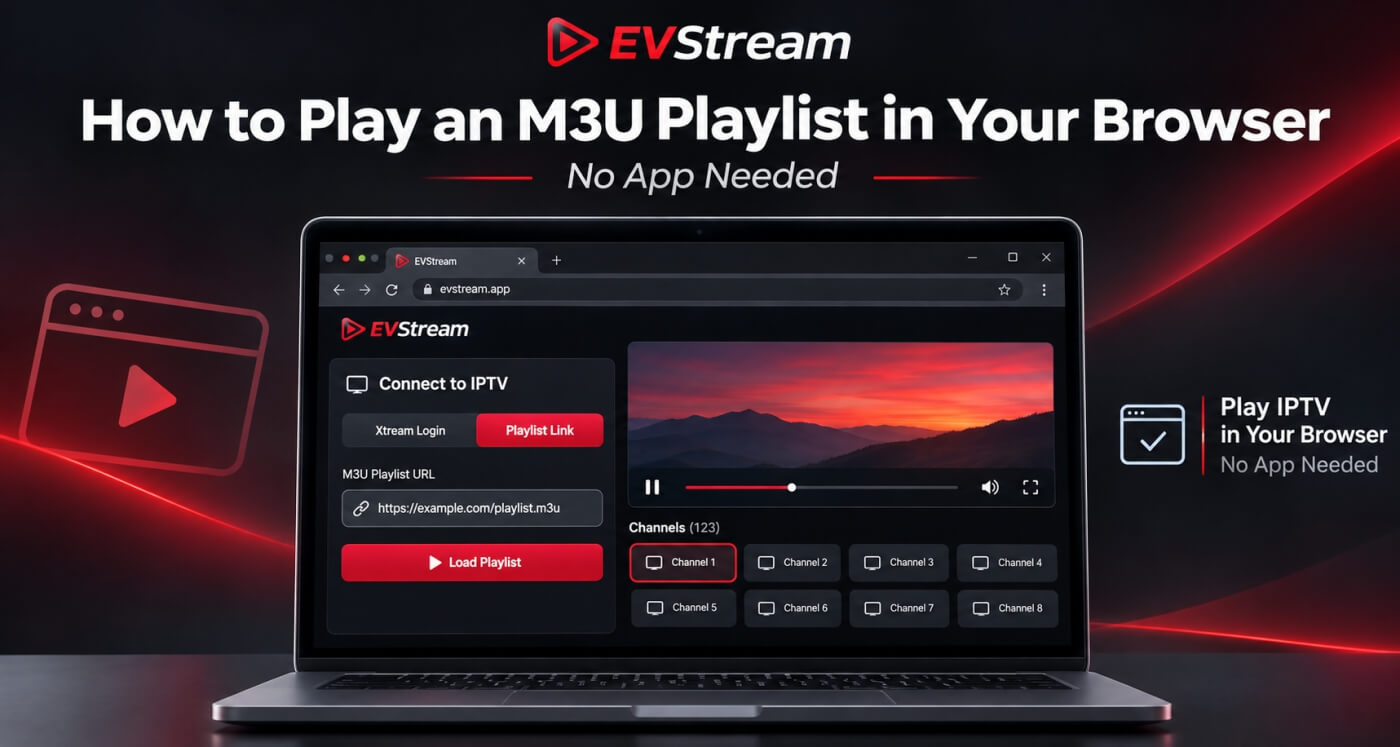
You can connect your own IPTV subscription using Xtream Codes or an M3U playlist and access the movies and series included with that service.
Open evstream.app/connect.
Once you've connected your provider, you can browse your available content directly from the browser.
EVStream also includes Continue Watching, making it easier to return to something you started earlier.
If you're interested, our guide to watching IPTV in your Tesla browser explains how it works.
EVStream is the player, not an IPTV provider. You'll need your own service and access to the content.
3. Watch Live Sports While Charging
There's something particularly frustrating about being on a road trip when your favorite team is playing.
You check the score on your phone, but you'd much rather actually watch the game.
If your existing IPTV provider includes the sports channel you need, you can use EVStream to watch it on your Tesla's touchscreen while parked.
Football, basketball, tennis, Formula 1, boxing - it all depends on which channels your provider makes available.
You can also save your frequently watched channels to Favorites, so you don't have to search for them every time.
Just connect your provider, open Live TV and select the channel.
We've written a dedicated guide about how to watch live sports in your Tesla browser.
Of course, you don't need to watch an entire match during one charging stop. Sometimes catching 15 minutes of the game is enough.
4. Play Games on Your Tesla
Not everyone wants to spend their charging time watching videos.
Sometimes playing a quick game is more fun.
Tesla has its own Arcade with games that can be played while parked. The available games and controller options depend on your vehicle and software.
There are also plenty of simple browser games worth trying.
For example:
- 2048
- Tetris
- Chess
- Solitaire
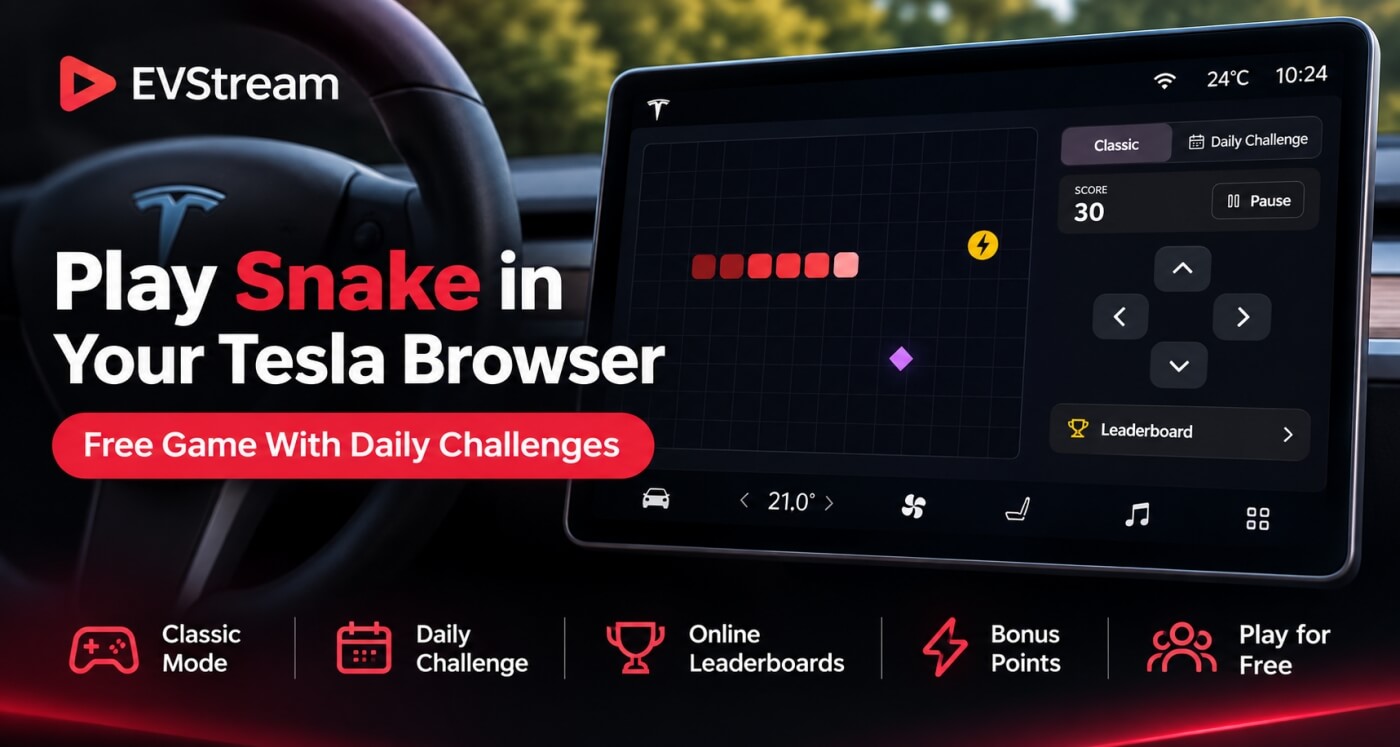
- Snake
- Pac-Man
These are particularly good for shorter stops because you don't need to commit to a long gaming session.
EVStream also has an Games section with shortcuts to browser games and other useful websites.
Open a game, play for a few minutes, and before you know it, your Tesla may have enough charge to continue the trip.
5. Grab a Coffee or Something to Eat
This one doesn't involve the Tesla screen at all.
And sometimes that's exactly what you need.
If you've been driving for a couple of hours, a charging stop is a good excuse to get out of the car.
Grab a coffee, have something to eat, or just find somewhere comfortable to sit.
Many charging locations are near restaurants, shopping centers and other facilities, although what's available depends on the station.
You can check nearby places using Tesla navigation or a map service on your phone.
Just keep an eye on the charging progress.
You don't want to return to a fully charged Tesla that's been occupying a busy Supercharger stall longer than necessary.
6. Take a Short Walk and Stretch
After spending a long time sitting in a car, moving around for a few minutes can feel surprisingly good.
You don't need to do anything complicated.
Step out of the car, stretch your legs and take a short walk somewhere safe.
If you're travelling with family, this can also give everyone a chance to get some fresh air before getting back on the road.
It's a simple way to break up a long drive.
And unlike scrolling through your phone, you might actually feel more refreshed afterward.
Just make sure you're walking in an appropriate area and not through active vehicle or charging-stall traffic.
7. Plan the Next Part of Your Road Trip
Charging stops are also a good time to check what's coming next.
You might already have your destination entered in Tesla navigation, but that doesn't mean you can't look around for other interesting places along the way.
Maybe there's a scenic viewpoint nearby.
Maybe you want to stop for lunch in another town.
Or perhaps you want to check the weather before continuing through a mountain pass.
Tesla's built-in navigation is useful for route planning and charging stops, but you can also use websites such as A Better Routeplanner or PlugShare for additional information.
The important thing is that you can take your time making these decisions while parked, instead of trying to figure everything out on the road.
8. Check the Weather Before You Leave
If you're travelling a long distance, the weather at your current charging station might be completely different from the weather an hour or two ahead.
That's why a charging stop can be a useful time to check the forecast.
Look at the weather for your destination and any areas you'll be driving through.
You can also check rain radar if you're concerned about heavy rain or storms.
For Tesla owners who enjoy using the browser, weather websites can be especially convenient on the car's large touchscreen.
We've collected more useful tools in our guide to the best Tesla browser apps and websites.
9. Catch Up on Something You've Been Putting Off
Sometimes the best thing to do during a charging stop isn't entertainment.
Maybe there's a message you need to reply to.
An email you've been meaning to read.
A hotel reservation you need to check.
Or a quick task you've been putting off all day.
If you're parked for a while anyway, you might as well get it done.
Tesla's browser can be useful for simple web tasks, although your phone may still be easier for anything involving typing or detailed work.
You don't need to turn every charging stop into a productivity session, though.
Sometimes doing absolutely nothing is a better choice.
10. Explore Tesla's Built-In Features
Tesla has a surprising number of small features that owners don't always explore.
If you're new to Tesla, charging stops are a good opportunity to discover them.
You can explore supported features in Toybox, customize parts of your vehicle's experience, or try some of the entertainment options available on your touchscreen.
Tesla regularly changes and improves features through software updates, so what's available may depend on your model and software version.
You might discover something you didn't know your car could do.
Just use these features while parked, and keep an eye on charging progress.
What If You Only Have 10 or 15 Minutes?
You don't need a long charging session to enjoy a break.
If you're only stopping for a few minutes, choose something simple.
- A short video
- A quick puzzle game
- Coffee
- Stretch your legs
- Check the weather ahead
- Part of a movie or episode
- Some of the game
- A proper meal
- Explore somewhere nearby
- Plan the next leg
If you've got longer, you might have time to watch part of a movie, enjoy a meal, or explore somewhere nearby.
The best activity depends on how much time you have and what you're in the mood for.
Do You Need Premium Connectivity for Entertainment While Charging?
Not necessarily.
Tesla's browser and supported video streaming features can also work through Wi-Fi, including a phone's mobile hotspot.
That means you can connect your Tesla to your phone's internet connection while parked and use compatible browser-based entertainment services.
This is particularly useful if you don't subscribe to Premium Connectivity.
We've explained the differences in our guide: Can You Use the Tesla Browser Without Premium Connectivity?
Remember that streaming video through a hotspot uses your phone's mobile data, so check your data plan if you're going to watch regularly.
Don't Forget About Charging Fees
There's one practical detail worth remembering.
At busy Tesla Superchargers, congestion fees may apply once your vehicle reaches a specified battery level or charging ends.
Tesla notifies you through the vehicle touchscreen and the Tesla app when these fees apply.
So if you decide to go shopping, have a long meal or watch a movie, make sure you don't forget about your car.
Charging stops should be enjoyable, but the charging space still needs to be available for the next driver.
You can read more about this in Tesla's official Supercharger fees guide.
Frequently Asked Questions
What can I do while waiting for my Tesla to charge?
You can watch YouTube, play games, use Tesla Theater, check the weather, plan your next stop, grab a coffee, take a short walk or simply relax.
The best choice depends on how long your charging session is expected to last.
Can I watch YouTube while my Tesla is charging?
Yes.
While your Tesla is parked and charging, you can use its supported video entertainment features.
You can also open the Tesla browser and try EVStream's YouTube player at evstream.app/youtube.
Can I watch live TV or sports while charging?
Yes, if you have access to a compatible streaming service or an IPTV provider that includes the channels you want.
EVStream lets you connect your existing IPTV provider through the Tesla browser.
Can I play games while charging my Tesla?
Yes.
Tesla includes Arcade games on supported vehicles, and you can also explore compatible browser games.
Can I leave my Tesla while it's charging?
You can leave your Tesla while charging, but keep an eye on the charging session through the Tesla app.
If you're using a busy Supercharger, additional fees may apply after certain charging thresholds or once charging is complete.
How can I make charging stops more enjoyable?
A good approach is to have a few options ready.
Save a playlist of videos, keep your favorite browser games bookmarked, check nearby facilities and use charging stops as a chance to get out of the car and stretch.
You don't need to plan every minute.
Final Thoughts
Charging your Tesla doesn't have to feel like wasted time.
Whether you're spending a few minutes at a Supercharger or taking a longer break during a road trip, there are plenty of ways to make the stop more enjoyable.
You can watch something, play a game, explore the area, plan your route or simply take a break from driving.
And if you enjoy using the Tesla browser for entertainment, EVStream brings YouTube and your existing IPTV service together in one place, without requiring a separate application.
Visit evstream.app to try it.
For even more ideas, take a look at our guide to the best Tesla browser apps and websites.
Video entertainment and games should only be used while safely parked and where permitted. Drivers should never watch or interact with video content while driving.
Open your Tesla browser and try it today
Charge your car. Stream your favorites.
Launch EVStream.app