How to Watch Live Sports in Your Tesla Browser
October 29, 2026 · 7 min read
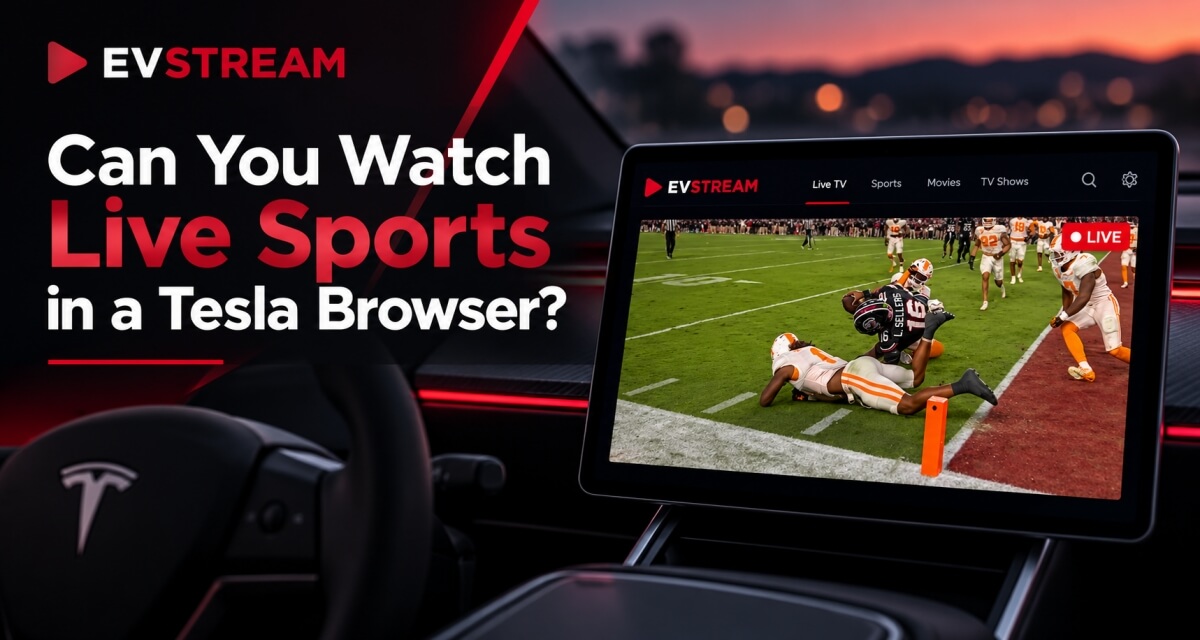
You're sitting at a charger and the game is already on.
Normally, that means pulling out your phone and watching on a much smaller screen.
But if you already have access to sports channels through your own IPTV provider, you can also watch them directly from your Tesla browser using EVStream.
There is nothing to install.
Open the Tesla browser, connect your IPTV service, find the sports channel you want and start watching.
Here's how it works.
Can You Watch Live Sports in a Tesla?
Yes - as long as you already have access to the sports channel through a service you are allowed to use.
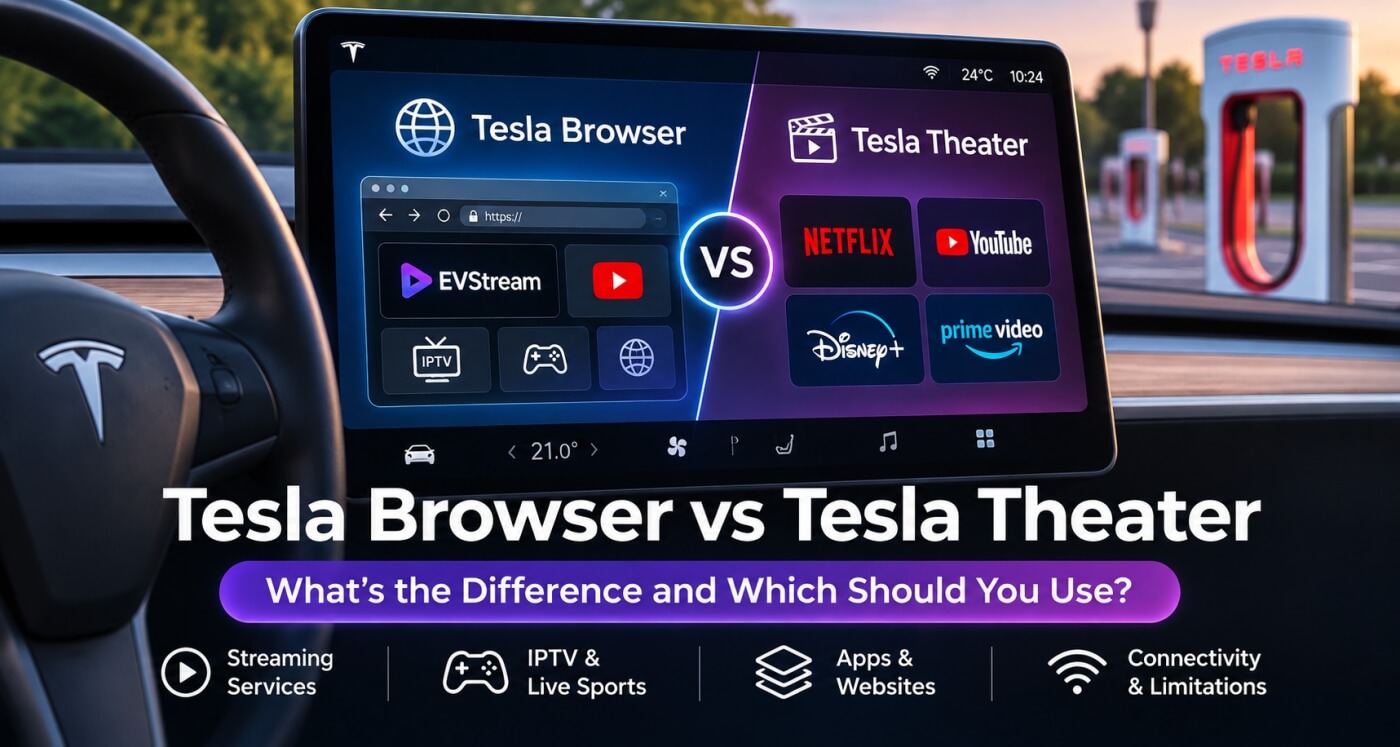
Tesla has a built-in browser, which means browser-based players such as EVStream can run directly on the car's touchscreen.
EVStream does not provide sports channels, IPTV subscriptions or live TV content.
You bring your own IPTV provider.
EVStream provides the player.
If your IPTV subscription already includes channels showing football, basketball, Formula 1, boxing, tennis or other sports, you can access those channels through EVStream from your Tesla browser.
How to Watch Live Sports With EVStream
The setup is simple.
Open the Tesla browser and go to evstream.app/connect.
Then connect your existing IPTV provider using either:
- Xtream Codes
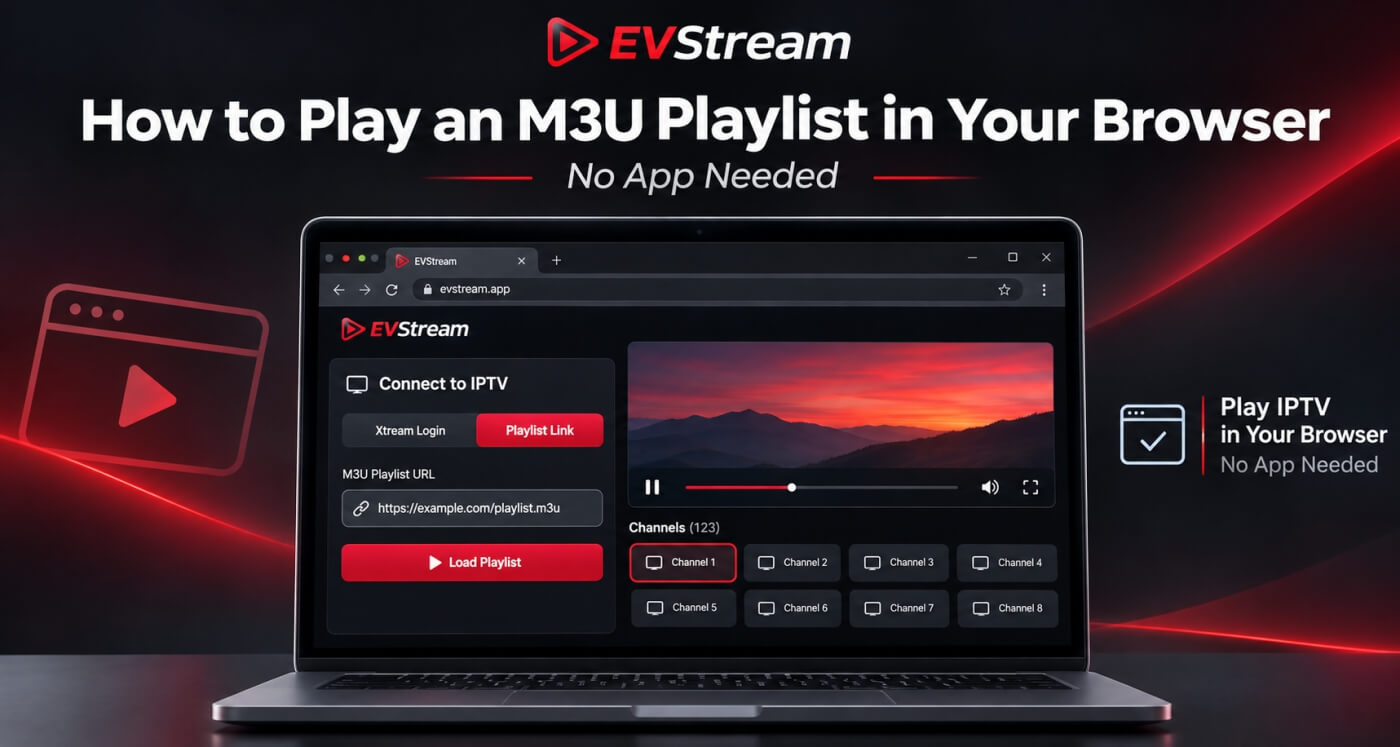
- An M3U playlist
Once connected, open Live TV and find the sports category or channel you want.
Your provider's channels, with the ones you actually watch kept close.
That's it.
There is no Tesla app to install and no extra hardware required.
EVStream runs directly in the browser.
If you're new to using IPTV in a Tesla, our guide on watching IPTV in your Tesla and EV browser explains the setup in more detail.
What Do You Need?
You need three things:
- A Tesla with browser access
- A working internet connection
- An IPTV provider that already gives you access to the sports channels you want
EVStream is not a sports subscription service, so it cannot give you access to a game or channel that isn't already included with your provider.
Think of EVStream as the screen and player for the service you already have.
Do You Need Premium Connectivity?
Not necessarily.
Tesla's browser can also work over Wi-Fi.
That means you can connect the car to a Wi-Fi network or use your phone's mobile hotspot.
This can be especially useful when you're at a charging stop and don't have Premium Connectivity.
Once the Tesla has internet access, open EVStream in the browser and connect your provider.
If you're using a phone hotspot, remember that live sports can use a significant amount of mobile data, especially at higher video quality.
Why Live Sports Can Be More Demanding Than Regular TV
Live sports are one of the easiest places to notice streaming problems.
There is constant movement.
The camera changes quickly.
The stream needs to stay close to real time.
And major events can put much more pressure on an IPTV provider's servers than a normal TV channel.
That's why you might notice a football match buffering even though a movie or regular TV channel from the same provider works perfectly.
If that happens, don't immediately assume your Tesla is the problem.
Try another channel from the same provider.
Then try the sports channel on another device.
If the same channel buffers everywhere, the issue may be coming from the stream or provider rather than the Tesla browser.
We have a full troubleshooting guide here: IPTV Keeps Buffering? Common Causes and How to Fix It
What If the Sports Channel Doesn't Play?
There are a few things worth checking.
First, try another channel.
If every other channel works and only one sports channel fails, that specific stream may be having a problem.
Next, try the same sports channel on another device.
If it works on your laptop or phone but not in the Tesla browser, the issue may be related to browser compatibility.
EVStream includes alternative playback options designed for situations where standard browser playback doesn't work well.
If you're having this type of problem, read Tesla Browser Video Not Playing? Common Causes and Fixes
Why the Player Matters
Live sports can expose weaknesses in a player very quickly.
If playback is slow to start, constantly freezes, loses audio or struggles with a particular stream format, watching a live event becomes frustrating fast.
Different IPTV providers also deliver their channels in different ways.
That's one of the reasons EVStream includes additional compatibility handling for browser-based playback.
EVStream was originally built around Tesla and EV browsers, but the same player can also be used on your laptop, desktop, tablet or phone.
So if you start watching something while parked or charging, you can use the same service on another supported device later.
If you're comparing browser players, you can also read our guide to the best IPTV player for browser streaming.
Use Favorites for the Channels You Watch Most
If your IPTV provider has a large channel list, finding the same sports channel every time can be annoying.
EVStream lets you save channels to Favorites.
That means you can keep the channels you actually watch close by instead of searching through hundreds of channels every time a game starts.
This is especially useful if you regularly watch the same sports networks.
You can also use search to find a channel by name instead of opening category after category.
Small features like this matter much more when you're using a touchscreen in the car.
What About Catch-Up Sports?
If your IPTV provider supports Catch-Up for a channel, EVStream can use that provider's Catch-Up availability.
That can be useful when you miss the beginning of a game or want to watch something that aired earlier.
Catch-Up depends entirely on your IPTV provider and the individual channel.
Not every provider or sports channel supports it.
EVStream does not record the event itself - it simply gives you access to Catch-Up when your provider makes it available.
Can Passengers Watch Sports While the Tesla Is in Drive?
On some compatible Tesla software and browser versions, EVStream's alternative playback mode may keep video available while the vehicle is in Drive.
Availability can vary by vehicle and software version, so it is not guaranteed on every Tesla.
Any video available while the vehicle is in Drive is for passengers only.
The driver should never watch or interact with live sports, TV or other video while driving.
For the driver, the safest time to watch is while parked or charging.
Charging Stops Are Perfect for Live Sports
This is probably where live sports in the Tesla browser makes the most sense.
Maybe you're following a football match and need to stop for 25 minutes.
Or a race is still going when you reach a Supercharger.
Instead of switching to your phone, you can use the Tesla's large touchscreen while the car is parked and charging.
Open EVStream, go to Live TV and continue watching.
If you're looking for more things to use the Tesla browser for while parked, see our guide to the best Tesla browser apps and websites.
What If Your IPTV Provider Uses Xtream Codes?
EVStream supports Xtream Codes login.
Your provider will normally give you:
- A server URL
- Username
- Password
Enter those details at evstream.app/connect.
EVStream will load the Live TV, movies and series available through your provider.
From there, open the sports category or search for the channel you want.
If you already use the same IPTV provider on another device, you don't need to buy another subscription just because you're using EVStream.
You are simply connecting the service you already have to another player.
Can You Watch Sports Without Installing Anything?
Yes.
That's one of the biggest advantages of a browser-based player.
There is no app store involved.
No APK.
No software installation.
No separate Tesla application.
You open evstream.app and use the browser you already have.
That also means EVStream works beyond the car.
You can use the same browser-based player on supported computers, tablets and phones.
Frequently Asked Questions
Can I watch live sports in my Tesla browser?
Yes, if you have legitimate access to sports channels through your own IPTV provider or another supported browser-based service.
EVStream can play the Live TV channels included with your existing IPTV subscription.
Does EVStream include sports channels?
No.
EVStream does not sell or provide IPTV subscriptions, sports channels or live TV content.
You need your own provider.
Can I watch football in my Tesla?
If your existing IPTV provider includes the channel showing the match, you can connect that provider to EVStream and watch the channel through the Tesla browser while parked.
Can I watch Formula 1, basketball or boxing?
The type of sport doesn't matter to EVStream.
What matters is whether your own IPTV provider includes the channel or stream showing that event.
Do I need Premium Connectivity?
Not necessarily.
The Tesla browser can also use Wi-Fi, including a mobile hotspot.
Why does my sports stream keep buffering?
Live sports can put more demand on both your network and your IPTV provider.
Try another channel, another network and another device to find out whether the problem is local or coming from the provider.
For more help, read our IPTV buffering guide.
Do I need to install EVStream?
No.
EVStream runs directly in the browser.
Final Thoughts
If you already have access to live sports through your IPTV provider, you don't need a separate Tesla app to watch those channels from the car.
Open the Tesla browser.
Go to evstream.app/connect.
Connect your existing IPTV provider and open Live TV.
EVStream handles the player while your provider supplies the channels and content.
It's especially useful during charging stops, when the Tesla's large screen gives you a much better viewing experience than watching the same game on your phone.
And if you're looking for more ways to use that screen, check out our guide to the best Tesla browser apps and websites.
Video should only be watched when it is safe and permitted. Drivers should never watch or interact with video while driving. Any playback available while the vehicle is in Drive is intended for passengers only.
Open your Tesla browser and try it today
Charge your car. Stream your favorites.
Launch EVStream.app