Can You Use the Tesla Browser Without Premium Connectivity?
October 25, 2026 · 7 min read
You want to open a website in your Tesla, but you don't have Premium Connectivity.
Does the browser still work?
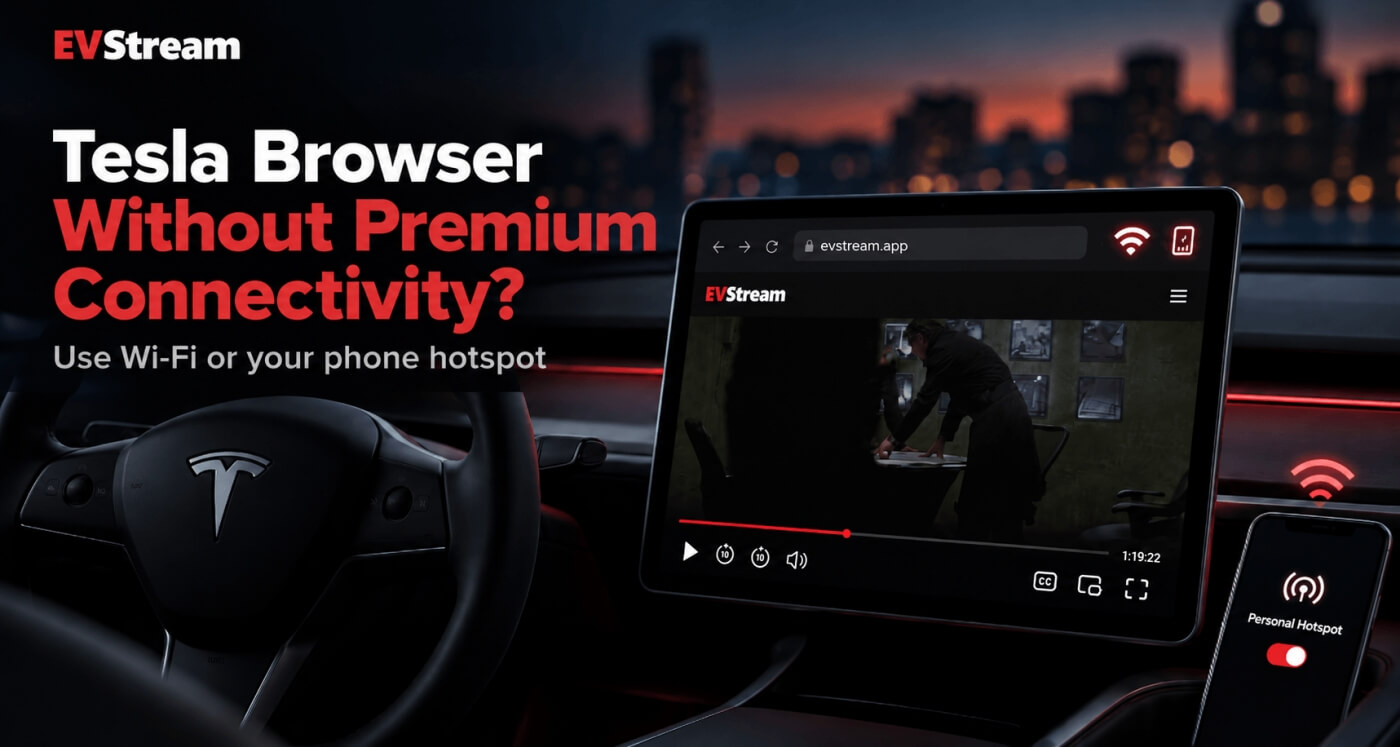
The short answer is yes - you can use the Tesla browser without Premium Connectivity when your car is connected to Wi-Fi.
That Wi-Fi can come from your home, a public network, or even your phone's mobile hotspot.
Premium Connectivity mainly changes whether certain features can use Tesla's built-in cellular connection. It isn't the only way to get your Tesla browser online.
Here's how it works.
What Is Tesla Premium Connectivity?
Tesla vehicles include Standard Connectivity, while Premium Connectivity is an optional paid subscription that adds access to more connectivity features over the car's built-in cellular connection.
That includes things such as internet browsing, video streaming, live traffic visualization and other connected features.
The important part for this article is the difference between:
Tesla's cellular
Premium Connectivity
Wi-Fi
Home, public, or your hotspot
The browser needs an internet connection - not a particular subscription.
Without Premium Connectivity, you can still connect your Tesla to Wi-Fi and use supported online features that are available over Wi-Fi.
That includes the internet browser.
Can You Use the Tesla Browser Without Premium Connectivity?
Yes.
Tesla officially lists the internet browser as a feature that can be used over Wi-Fi with Standard Connectivity.
So if you don't have Premium Connectivity, connect your Tesla to a Wi-Fi network and open the browser normally.
You can then visit websites just like you would when using the browser with Premium Connectivity.
The main difference is where the internet connection comes from.
With Premium Connectivity, the car can use Tesla's cellular connection for supported features.
Without it, you'll generally need Wi-Fi for browser access.
Can You Use Your Phone Hotspot?
Yes, and this is probably the easiest option for most people.
Your phone can create a Wi-Fi hotspot using its mobile data connection.
Connect your Tesla to that hotspot and the car treats it like another Wi-Fi network.
The basic process is:
- Turn on the mobile hotspot on your phone.
- Open Wi-Fi settings in your Tesla.
- Find your phone's hotspot.
- Connect to it.
- Open the Tesla browser.
Once connected, you can use the browser through your phone's internet connection.
Tesla specifically notes that features such as the internet browser and video streaming may be accessed using a mobile hotspot.
Just remember that any data used by your Tesla will count toward your phone plan.
Can You Watch YouTube Without Premium Connectivity?
If your Tesla is connected to Wi-Fi or your phone hotspot, you can use browser-based video services that work in the Tesla browser.
That includes EVStream's YouTube player at evstream.app/youtube.
EVStream runs entirely through the browser, so there is no separate Tesla app to install.
You can search YouTube, open channels and playlists, use watch history, Continue Watching, autoplay, chapters and other features directly from your Tesla browser.
If you want a full walkthrough, read How to Watch YouTube in Your Tesla Browser.
You still need an internet connection, of course.
Without Premium Connectivity, your phone hotspot is one of the easiest ways to provide it while you're away from another Wi-Fi network.
Does EVStream Require Premium Connectivity?
No.
EVStream doesn't depend on a Tesla Premium Connectivity subscription.
EVStream is a web-based service.
As long as your Tesla browser has a working internet connection and can reach EVStream, you can open evstream.app.
That internet connection could come from:
- Premium Connectivity where supported
- Your phone hotspot
- Home Wi-Fi
- Another Wi-Fi network available to the vehicle
For many Tesla owners, using a phone hotspot is a simple alternative when they don't want Premium Connectivity just for occasional browser use.
What About IPTV?
The same basic idea applies.
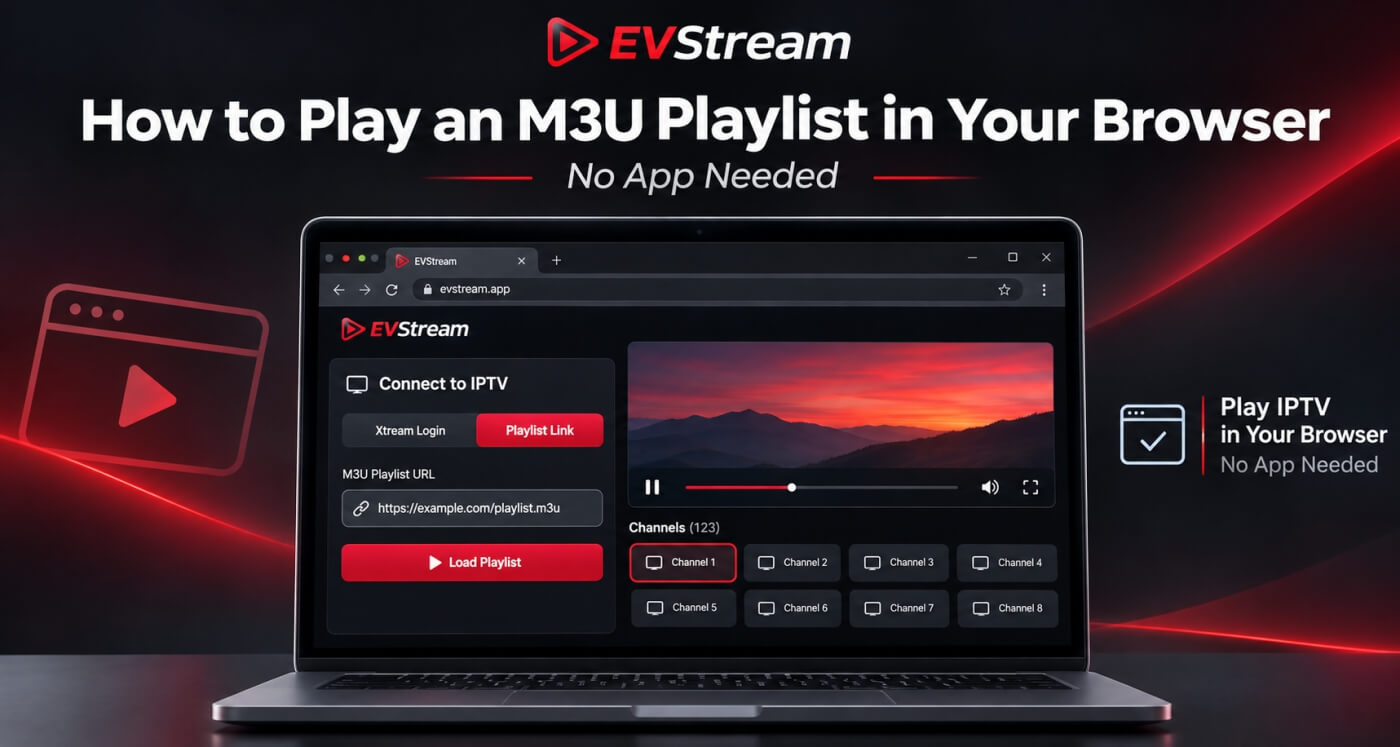
If you already have your own IPTV provider, you can connect it to EVStream through evstream.app/connect.
EVStream provides the player - it does not provide IPTV subscriptions or channels.
Once your Tesla has an internet connection, EVStream can connect to your existing IPTV service through the browser.
If you're interested in using IPTV inside your Tesla, read our guide: Watch IPTV in Your Tesla and EV Browser
Your IPTV provider may use a significant amount of data depending on stream quality, so keep that in mind if you're using a mobile hotspot with a limited data plan.
Premium Connectivity vs Phone Hotspot
So which one is better?
It depends on how you use your Tesla.
Premium Connectivity is more convenient because supported connected features can use the car's cellular connection without you having to turn on your phone hotspot every time.
You get in the car and the connection is already there.
A phone hotspot requires a little more work.
You need to enable it on your phone and make sure the Tesla connects to it.
But for someone who only uses the browser occasionally, that may be perfectly fine.
For example, if you mostly use the browser while charging, you might simply turn on your hotspot when you arrive at the charger.
There isn't one correct choice for everyone.
Will a Phone Hotspot Be Fast Enough for Video?
Usually, if your phone has a good mobile connection.
But video quality depends on more than just the maximum speed shown by your phone.
A weak mobile signal, busy network or unstable connection can cause buffering.
If YouTube or IPTV works well on one connection but struggles on another, the network may be the reason.
For IPTV users, we have a separate guide about a very similar problem: IPTV Not Working on Wi-Fi but Works on Mobile Data? Here's How to Fix It
The same troubleshooting idea applies here - test another network and see whether the playback changes.
Does Using a Hotspot Use a Lot of Mobile Data?
Video can use a significant amount of mobile data.
The exact amount depends on things like:
- Video resolution
- Bitrate
- How long you watch
- The streaming service
- The IPTV provider and channel
Watching a few short videos while charging is very different from streaming HD video for several hours.
If your mobile plan has a limited amount of hotspot data, keep an eye on your usage.
This is especially important if you regularly use YouTube, IPTV or other video services through the Tesla browser.
What If the Browser Works but Video Doesn't?
Then Premium Connectivity probably isn't the main issue.
If websites load correctly but a particular video doesn't play, you may be dealing with browser or media compatibility instead.
Try another video first.
Then try the same content on another device.
If it works everywhere except the Tesla browser, compatibility may be the reason.
EVStream includes Flex Mode for situations where standard browser video playback isn't working properly.
Flex Mode provides alternative playback methods designed to improve compatibility across different browser versions and devices, including older Tesla browser environments.
We have a separate troubleshooting guide covering this in more detail: Tesla Browser Video Not Playing? Common Causes and Fixes
What Can You Do With the Tesla Browser?
Once your Tesla is connected to Wi-Fi, there's much more you can do than simply search Google.
You can use browser-based tools for:
- YouTube
- Entertainment
- Trip planning
- Weather
- Maps
- Games
- News
- Charging information
- IPTV with your existing provider
- Other web apps
If you're looking for ideas, we've already put together a larger list here: Best Tesla Browser Apps and Websites You Should Try
That article covers some of our favorite ways to make better use of the Tesla browser.
Frequently Asked Questions
Do I need Premium Connectivity to use the Tesla browser?
No.
The Tesla browser can be used over Wi-Fi with Standard Connectivity.
If you don't have another Wi-Fi network nearby, you can connect your Tesla to your phone's mobile hotspot.
Can I use my phone hotspot instead of Premium Connectivity?
For browser access and some Wi-Fi-supported features, yes.
Tesla specifically states that features such as the internet browser and video streaming may also be accessed through a mobile hotspot.
Your mobile carrier's data limits and hotspot restrictions still apply.
Can I watch YouTube using my phone hotspot?
If your Tesla browser has internet access through the hotspot, you can use supported browser-based video services.
EVStream's YouTube player is available at evstream.app/youtube.
Does EVStream require Tesla Premium Connectivity?
No.
EVStream only requires a supported browser and an internet connection.
That connection can come from Wi-Fi, including a phone hotspot.
Can I use IPTV through a phone hotspot?
Yes, assuming your IPTV provider works through that network and your mobile connection is fast and stable enough.
Remember that IPTV streaming can consume a significant amount of mobile data.
Is Premium Connectivity still useful?
Yes.
The biggest advantage is convenience.
You don't have to manually provide a Wi-Fi or hotspot connection every time you want to use supported connected features through Tesla's cellular network.
Whether that's worth paying for depends on how often you use those features.
Final Thoughts
You don't need Premium Connectivity just to use the Tesla browser.
If your Tesla has access to Wi-Fi, the browser can still get online.
And when you're away from home, your phone's mobile hotspot can provide that Wi-Fi connection.
For EVStream users, that means you can connect your Tesla to your hotspot and open evstream.app. For YouTube, go to evstream.app/youtube. And if you already have your own IPTV provider, open evstream.app/connect.
Premium Connectivity makes connected features more convenient, but it isn't your only option for getting the Tesla browser online.
If you're looking for more things to try once you're connected, take a look at our guide to the best Tesla browser apps and websites.
Open your Tesla browser and try it today
Charge your car. Stream your favorites.
Launch EVStream.app