Xtream IPTV Player: Watch Your IPTV Anywhere with EVStream
August 19, 2026 · 6 min read
If you already have an IPTV subscription, watching it should be the easy part.
You have your Xtream Codes details from your IPTV provider, you open a player, enter your credentials, and start watching. At least, that's how it should work.
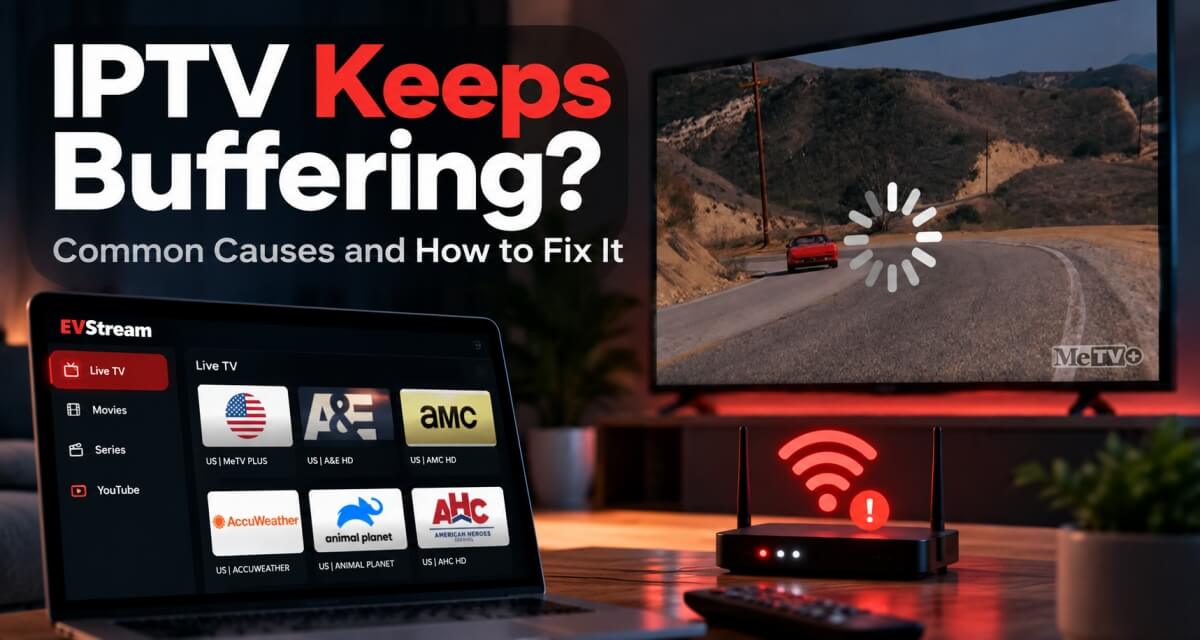
In reality, IPTV players — especially browser-based players — can be frustrating. One channel works, another doesn't. A movie loads but has no sound. A series keeps freezing. Some streams refuse to play at all. And sometimes you're asked to install another app just to access content you're already paying your IPTV provider for.
That's exactly the experience we wanted to improve with EVStream.
A Simple Xtream IPTV Player That Works in Your Browser
EVStream is a web-based Xtream IPTV player built around one simple idea: connect your IPTV provider and watch your content without making things complicated.
There's nothing to install.
Open EVStream.app in your browser, enter the Xtream Codes credentials provided by your IPTV service, and EVStream takes care of the rest.
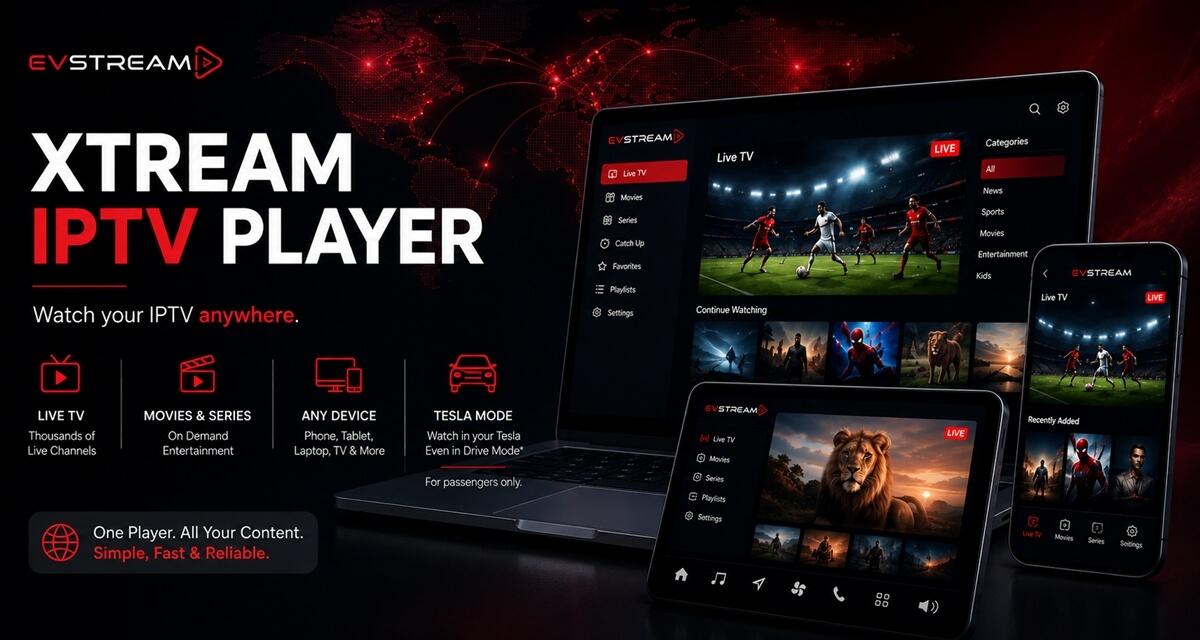
Your Live TV channels, movies and series are organized in one place with an interface that's actually comfortable to use.
We built EVStream to work with IPTV providers using Xtream Codes rather than limiting the player to a specific IPTV service. EVStream doesn't provide channels, movies, subscriptions or IPTV packages — you bring your own IPTV provider and EVStream gives you the player.
That distinction is important.
Think of EVStream as the screen and the experience around your IPTV subscription.
Why We Built EVStream Differently
Browser IPTV sounds simple until you actually try building a player that needs to deal with thousands of different IPTV providers.
Different providers can use different stream formats, codecs and configurations. That's one of the reasons you may have tried other web IPTV players and discovered that some channels work perfectly while others don't.
Sound can be another problem. A movie might start playing but have no audio. Certain Live TV channels may refuse to start. Other streams may constantly buffer or freeze.
EVStream was built specifically with these compatibility problems in mind.
Instead of treating IPTV playback as a basic browser video, we've spent a lot of time working on how different streams are handled and improving compatibility across Live TV, movies and series.
The goal is simple: you shouldn't have to think about what's happening behind the player.
Choose what you want to watch, hit play, and enjoy it.
Your IPTV Doesn't Have to Stay on Your TV
One of our favorite things about building EVStream as a web player is how easy it makes moving between devices.
Your IPTV can go wherever your browser goes.
Watching from your laptop? Open EVStream.
Sitting at your desktop? Same thing.
Want to watch something from your phone or iPhone? Open the browser.
Tablet or iPad? You're good to go.
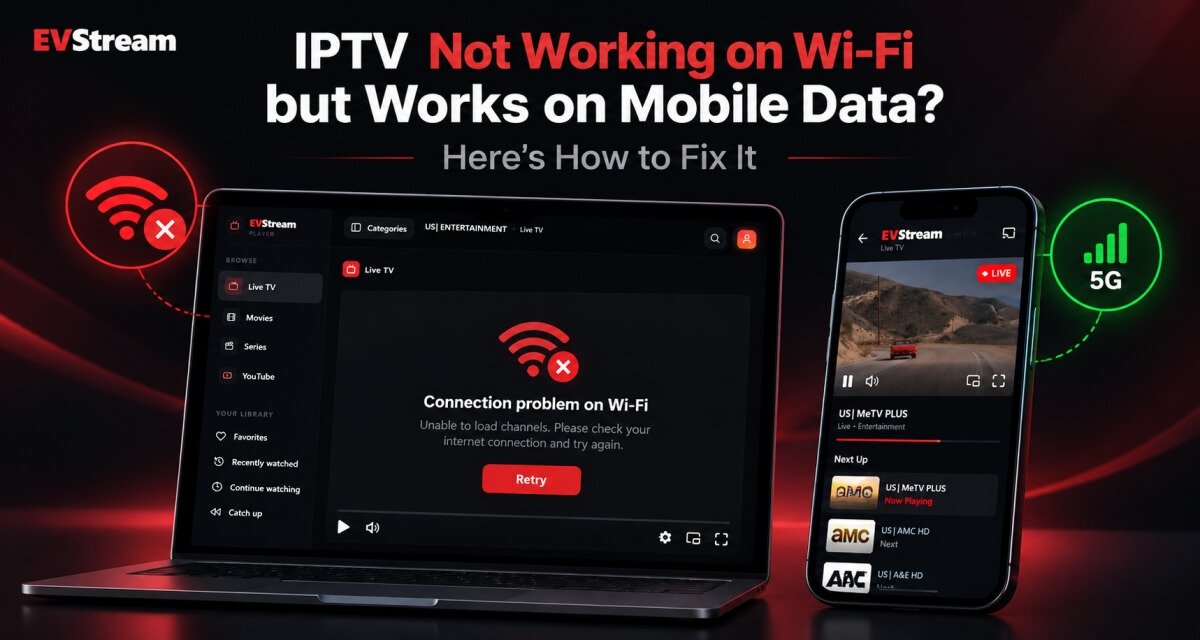
You can use EVStream across phones, tablets, iPhones, iPads, laptops, desktop computers, compatible TVs and even your Tesla or other supported EVs.
One player, wherever your browser goes.
There's no need to find and install a different IPTV application every time you switch devices.
And because the interface was designed to work across different screen sizes, EVStream feels familiar whether you're using a large desktop monitor or holding your phone.
Live TV, Movies and Series in One Place
IPTV libraries can get huge.
Hundreds or even thousands of channels, movies and episodes aren't very useful if finding something takes forever.
That's why EVStream isn't only focused on getting the stream to play. We've also spent a lot of time on the experience around it.
Once connected, you can browse your provider's Live TV, Movies and Series, use search to quickly find what you're looking for, save your favorite content and easily return to things you've recently watched.
For supported IPTV providers, EVStream also includes Catch-Up TV, giving you a convenient way to go back and watch previously aired content.
We want EVStream to feel less like an old IPTV interface and more like the streaming apps people are already comfortable using.
Yes, We Even Built a Flex Mode
This is where EVStream gets a little different.
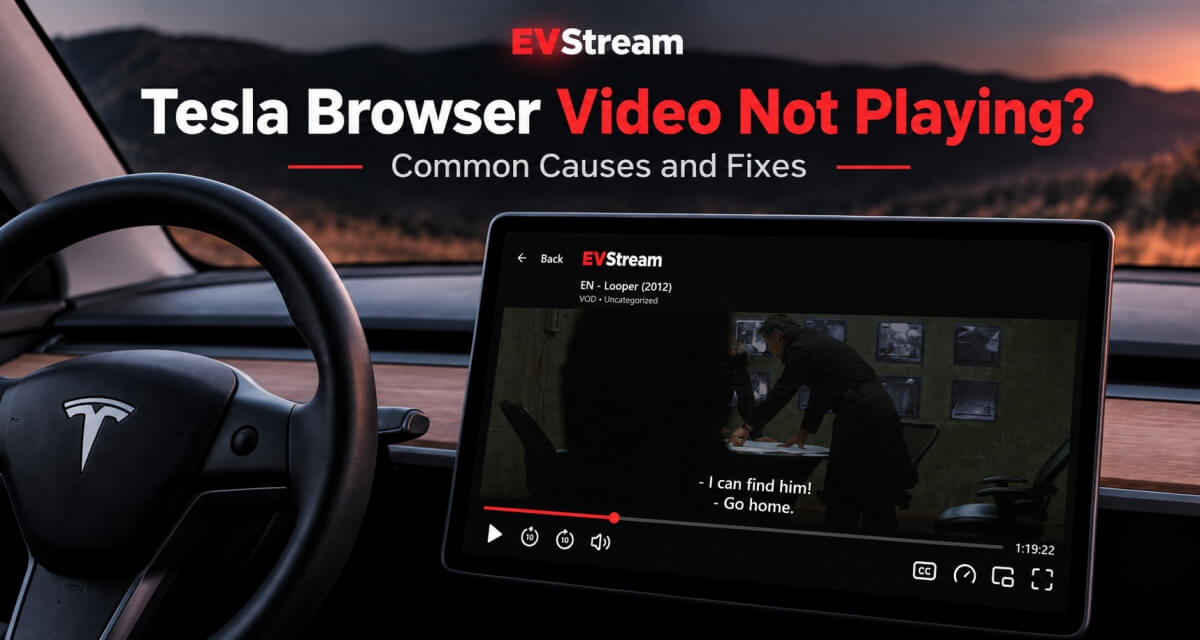
We specifically designed EVStream with Tesla and other EV users in mind.
A browser inside a car behaves differently from Chrome or Safari on your computer, and can support fewer video formats and streaming methods than a desktop browser does.
Instead of simply saying "it doesn't work," we decided to work around those technical limitations.
That's how Flex Mode was born.
Flex Mode uses an alternative playback method built for browsers with limited media support, such as the one in your car, giving EVStream additional ways to handle IPTV playback where a traditional web player may struggle.
It means your IPTV subscription isn't limited to your home, laptop or phone. You can bring it into your Tesla too.
But for your passengers?
A long road trip suddenly doesn't have to feel quite so long.
IPTV Without Turning It Into a Project
We don't think using an IPTV player should require ten steps.
You shouldn't need to download several apps, change players depending on the channel you're watching, or spend half an hour figuring out why one movie has sound and another doesn't.
EVStream is our attempt to make the whole experience much simpler.
You already have the IPTV provider.
We provide the player.
Connect your Xtream Codes account, browse your content and watch it from almost anywhere.
That's it.
Try EVStream with Your IPTV Provider
Because every IPTV provider is different, the easiest way to know how your own subscription works with EVStream is simply to try it.
Head to EVStream.app, connect the Xtream Codes credentials supplied by your IPTV provider, and start watching.
You can try EVStream before deciding whether it's right for you. If you like the experience and want to keep using it, Monthly, Annual and Lifetime options are available.
No new IPTV subscription. No channel packages from us.
Just your IPTV, your provider, and one simple Xtream IPTV player you can take almost anywhere.
Open your Tesla browser and try it today
Charge your car. Stream your favorites.
Launch EVStream.app