Meet the New EVStream Dashboard
October 23, 2026 · 3 min read
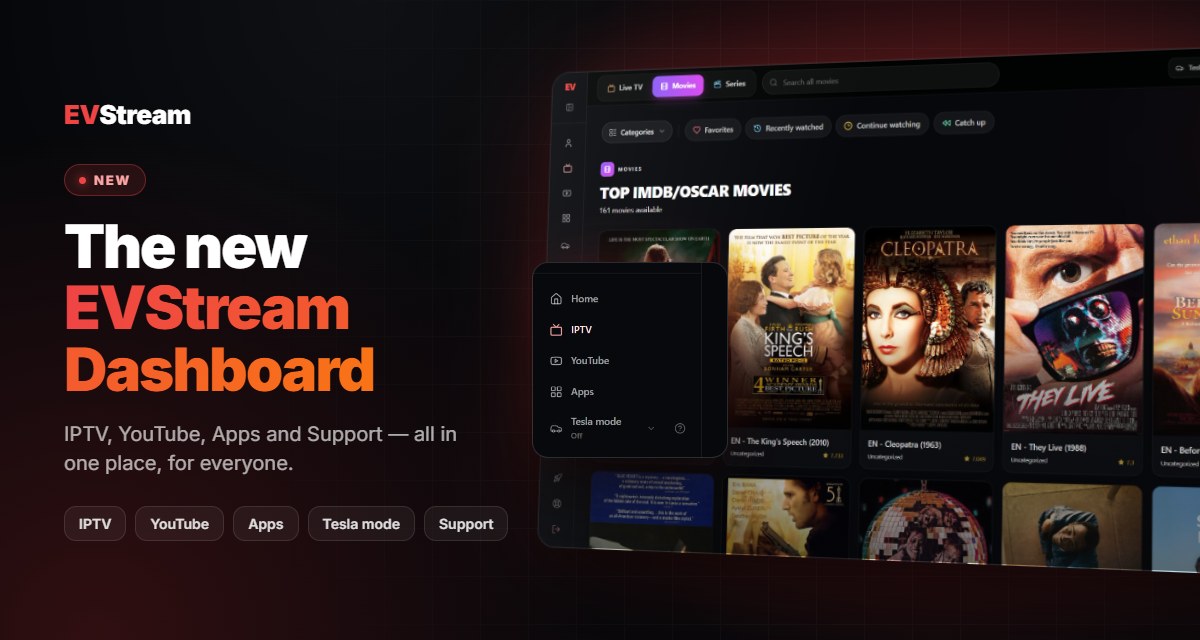
EVStream has a brand-new home. IPTV, YouTube, Apps and your account now live together in one dashboard, with a simple menu on the left. Here's a quick look at what's new.
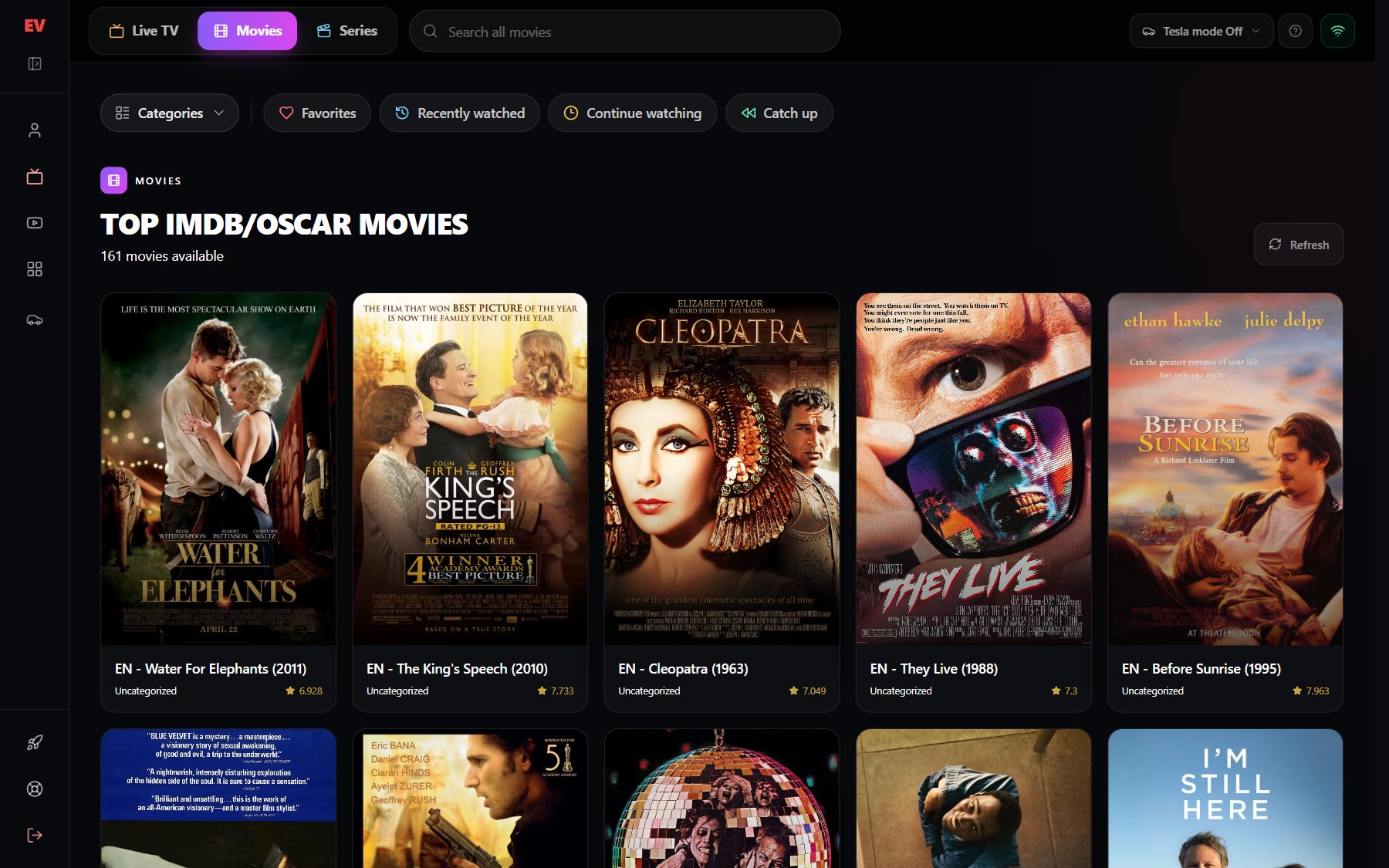
Everything in One Place
Open your dashboard and everything is in the menu on the left. On a phone, the same menu opens from the button in the top corner.
IPTV
Your saved playlists, Quick connect and the Compatibility Player, each one click away.
YouTube
Search and watch YouTube without leaving the dashboard.
Apps
Games and streaming shortcuts made for your car's screen.
Support
Send us a message from the menu and we'll reply by email.
Tesla mode is in the menu too: turn it on and pick the version that works best in your car, wherever you are in the dashboard.
Open to Everyone
You don't need an account to look around. Without signing in you get the same free trial as before for IPTV and YouTube, and you can sign in or upgrade from the menu whenever you're ready.
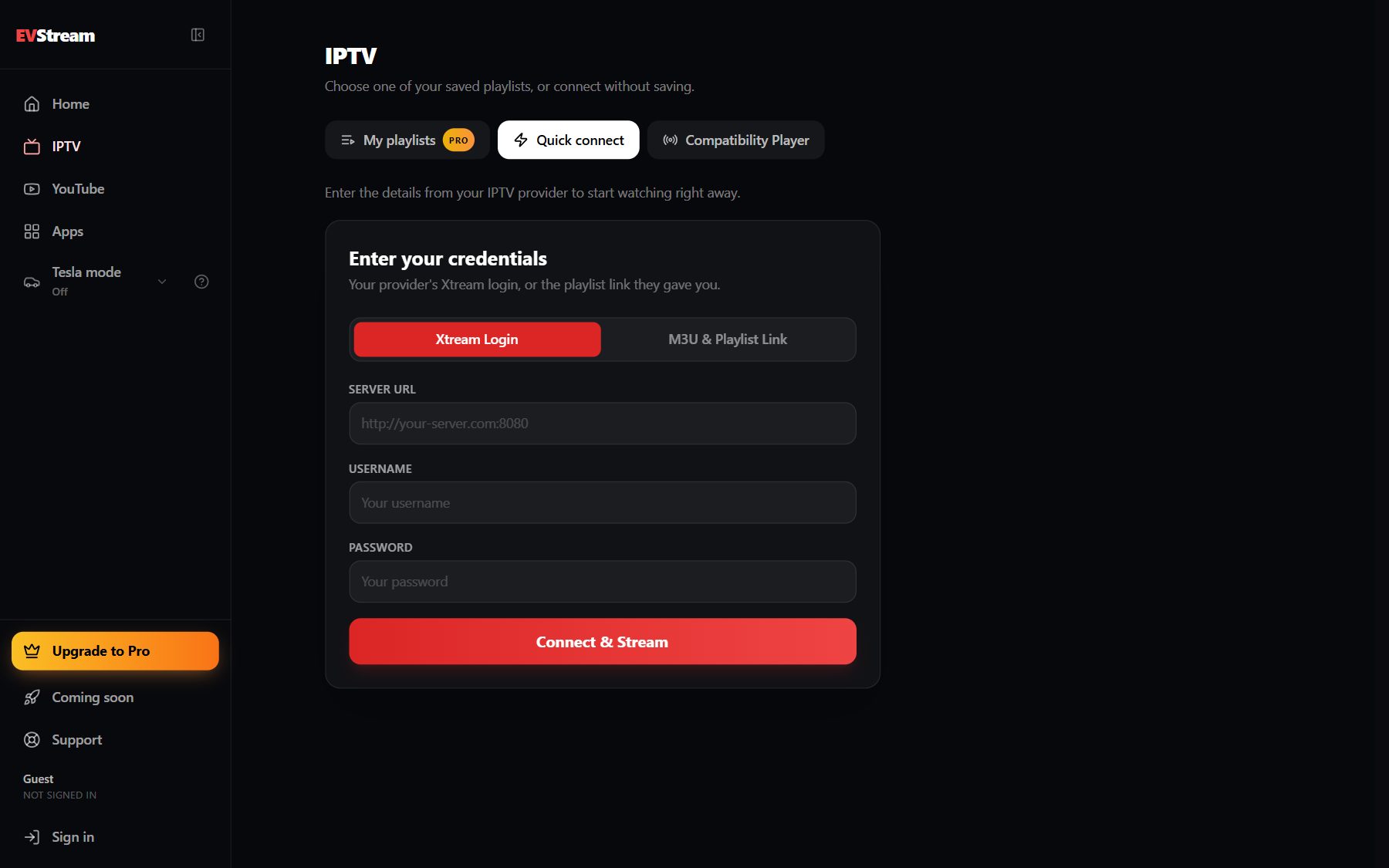
A Cleaner IPTV Player
Switch between Live TV, Movies and Series at the top, and search everything at once. Right below, one row takes you to your categories and your library:
Each of these now has its own link, so the Back button, a refresh or a bookmark brings you right back to where you were.
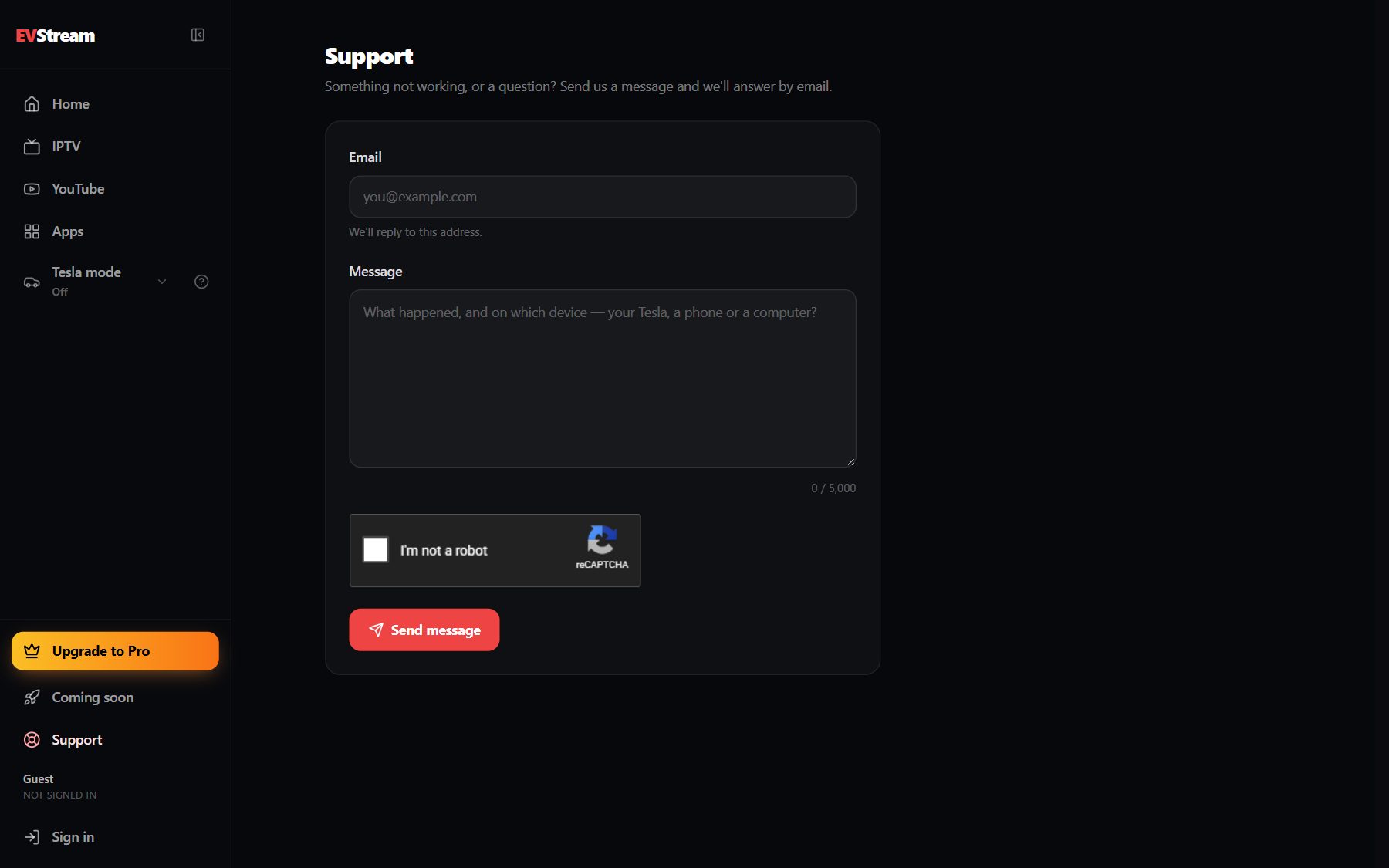
Support, Built In
Have a question, or something isn't working? Open Support in the menu, write us a message and we'll answer by email. It works even when you're not signed in.
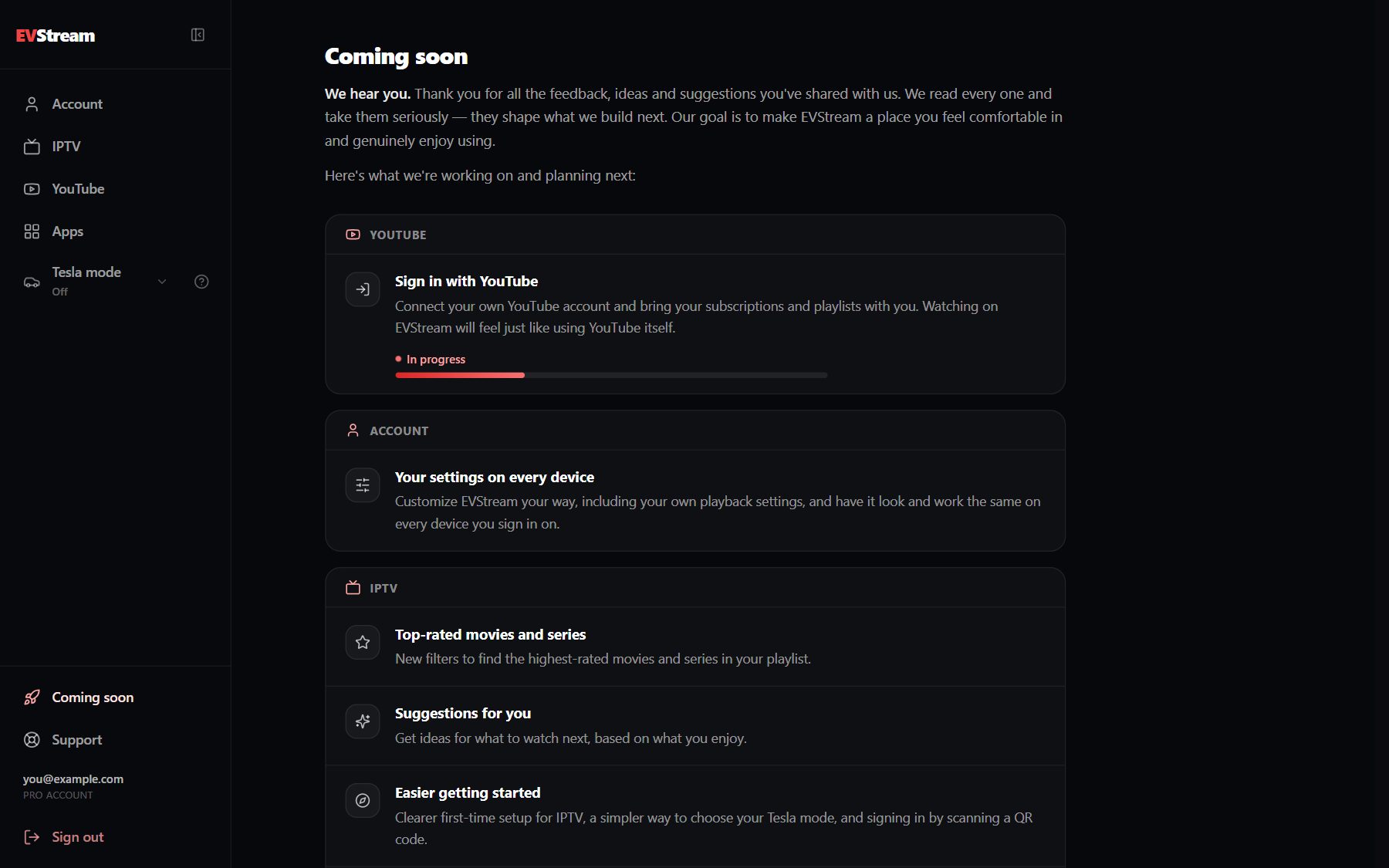
See What's Coming Next
The new Coming soon page shows what we're working on, many of them ideas you sent us. First up: signing in with your own YouTube account, which is already in progress.
Your Old Links Still Work
Bookmarks to the old player and YouTube pages now open the dashboard automatically, so there's nothing to update. The Compatibility Player has the same new dashboard too.
Thank you for every idea and suggestion. Keep them coming!
Ready to take a look? Open the new dashboard, and if you notice anything we should improve, tell us through Support.
Open your Tesla browser and try it today
Charge your car. Stream your favorites.
Launch EVStream.app