How to Watch YouTube in Your Tesla Without Ads
September 14, 2026 · 5 min read
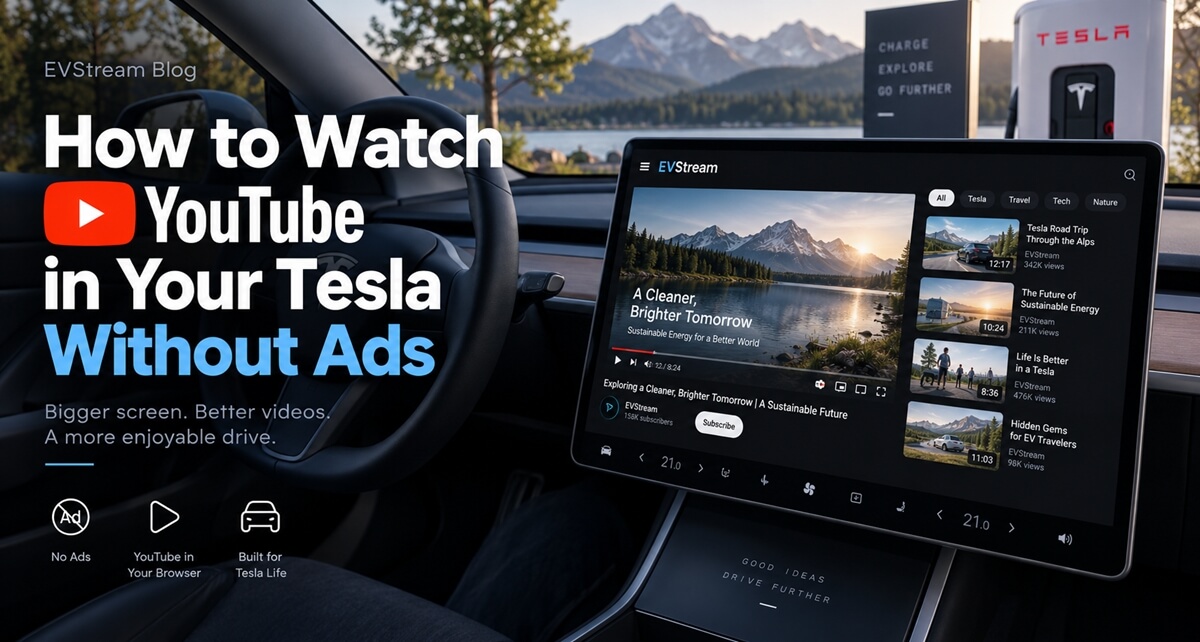
Watching YouTube in your Tesla is a great way to pass the time while charging, waiting for someone, or relaxing in the car.
The annoying part is the ads.
You open a video and get an ad before it starts. A few minutes later, the video is interrupted again. If you only have 20 or 30 minutes while charging, those interruptions can quickly become frustrating.
EVStream gives you another option. You can watch YouTube without ads directly from your Tesla browser — no app installation required.
How to Watch YouTube Without Ads in Your Tesla
Getting started is simple.
Open the browser in your Tesla and visit evstream.app. From there, open the YouTube page.
You can also go directly to evstream.app/youtube.
Search for the video you want to watch, open it, and start watching.
There is nothing to download or install. EVStream works directly in the browser, so you can start using it from the same screen you already use in your Tesla.
YouTube Without the Ads
The main benefit is simple — you can watch YouTube videos without ads interrupting your experience.
- No pre-roll ads before the video starts
- No ads appearing in the middle of the video
- No waiting for the Skip button
You choose what you want to watch and the video plays.
Usually
With EVStream
Your charging time goes to the video, not the ad breaks.
This can be especially useful when you're charging your Tesla and only have a limited amount of time. Instead of spending part of that time waiting for ads to finish, you can simply watch the content you came for.
Built for Tesla Browsers
EVStream isn't just a regular website that happens to open inside a Tesla.
We have spent a lot of time working specifically with Tesla and other in-car browsers.
Car browsers can sometimes behave differently from the browser on your computer or phone. Video playback that works perfectly on one device may not always work the same way on another.
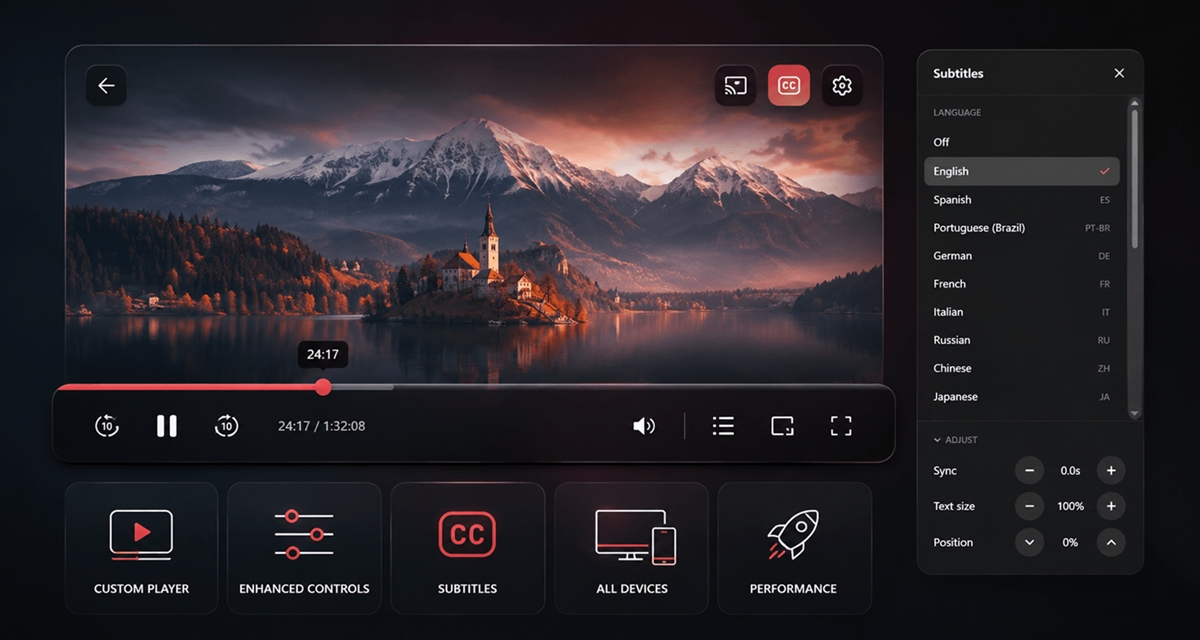
That's why EVStream includes Flex Mode.
Flex Mode uses an alternative playback method designed to improve compatibility across different browsers and devices. It can be particularly useful on older browser versions where normal playback may have limitations.
If normal playback works well, you can simply leave Flex Mode off. If you experience a compatibility issue, you can turn it on and try again.
You don't need to worry about which video format or playback method your Tesla browser supports — we handle that part.
Try EVStream for Free
You can try EVStream before choosing a paid plan.
Open the YouTube page, start watching, and see how it works in your own Tesla.
Once your free trial ends, you can choose between monthly, annual, and lifetime plans on the pricing page.
This means you don't have to commit to a subscription before trying the service yourself.
If you regularly watch YouTube in your Tesla, EVStream gives you a simple and affordable way to remove ads while also getting a player that has been built with Tesla browsers in mind.
Keep Your Watch History
When you're signed in to your EVStream account, your watched history is saved to your account.
This makes it easier to find videos you recently watched and return to them later.
For example, you might start a longer video while charging and continue watching it the next time you're in the car. Instead of searching for the same video again, you can find it in your history.
It's a small feature, but it makes using YouTube from your Tesla much more convenient over time.
More Than Just YouTube
EVStream also includes other browser-based entertainment features.
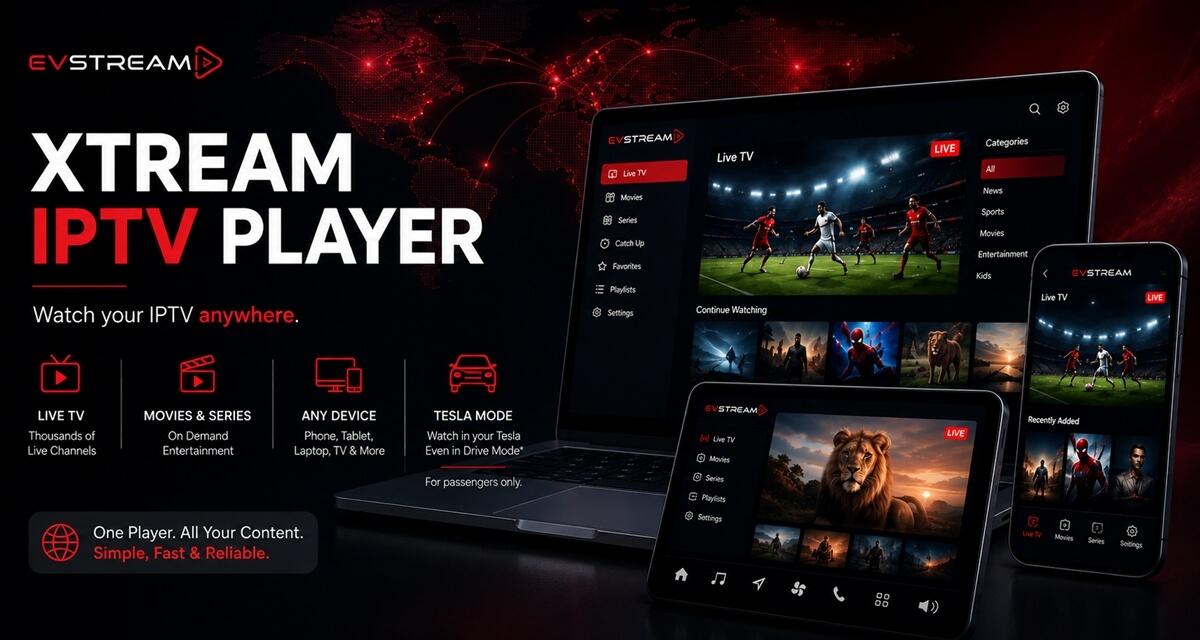
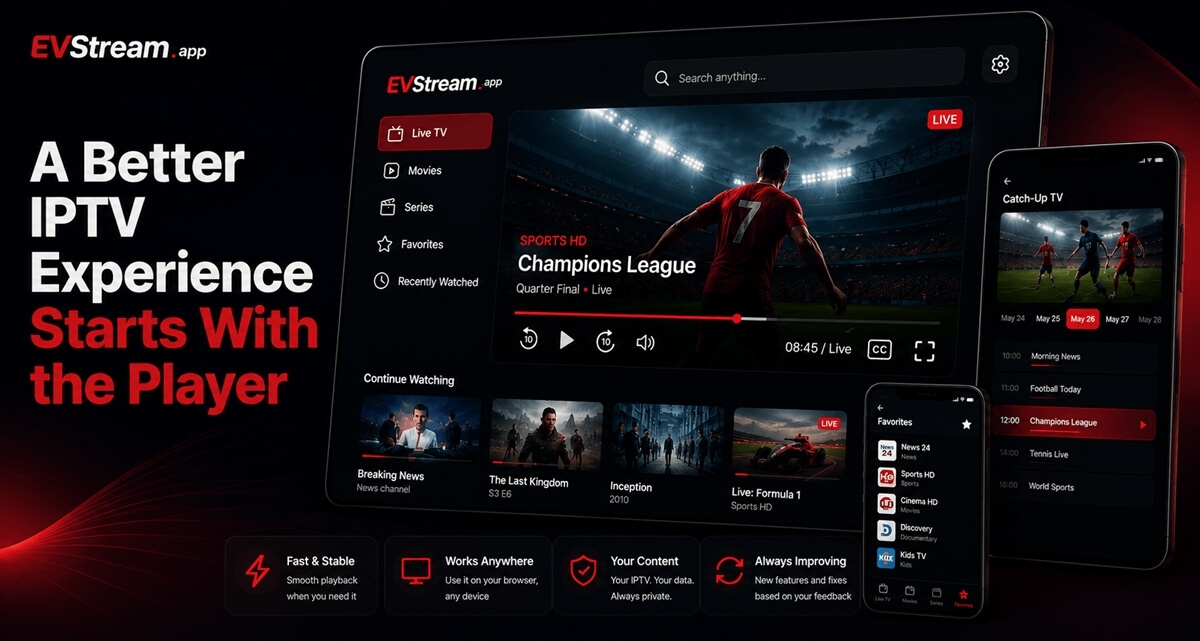
If you already have an IPTV provider, you can connect it to EVStream and watch your live TV channels, movies, and series directly from the browser.
EVStream does not provide IPTV channels or subscriptions — it acts as the player for your existing IPTV service.
You can also access other browser-based apps and entertainment options through EVStream.
The idea behind the platform is simple: make the browser in your Tesla more useful for entertainment without requiring additional apps or complicated setup.
How to Get Started
You only need a few steps:
- Open the browser in your Tesla.
- Visit evstream.app/youtube.
- Search for a YouTube video.
- Start watching without ads.
You can start for free.
If you decide to keep using EVStream after your free trial, visit the pricing page and choose the monthly, annual, or lifetime plan that works best for you.
Enjoy YouTube in Your Tesla Without Ads
YouTube is perfect for those moments when you're sitting in your Tesla with some time to spare.
EVStream makes that experience a little better by removing the ads and giving you a YouTube player designed to work directly in your Tesla browser.
No installation. No complicated setup. Just open the browser, choose a video, and watch.
Ready to try it?
Visit evstream.app/youtube from your Tesla browser and start watching YouTube without ads.
Open your Tesla browser and try it today
Charge your car. Stream your favorites.
Launch EVStream.app